



Quicken and Quickbooks Set Up
First National Bank in Olney has partnered with Intuit to allow sign-ins to our Online Banking from Quicken and Quickbooks. Set up is easy!
*Please note that while First National Bank in Olney is allowing the sign-ins, we can only assist in the initial connection.
Any questions or issues within Quicken or Quickbooks will require support from those software providers.
*Please be aware that by using Intuit Software you will be sharing your First National Bank in Olney credentials with a third party.
In Online Banking, from the menu, browse to Services, then choose DirectConnectIntuit. Once on that screen, simply click generate.

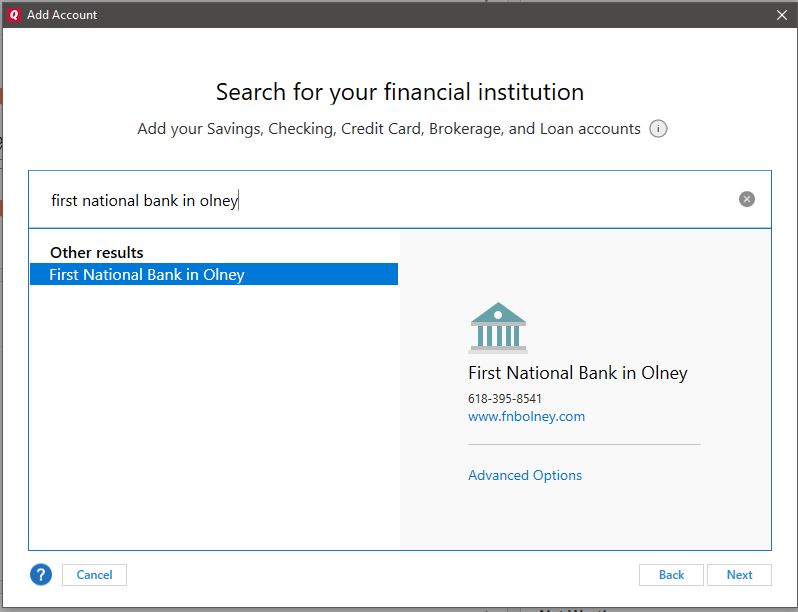
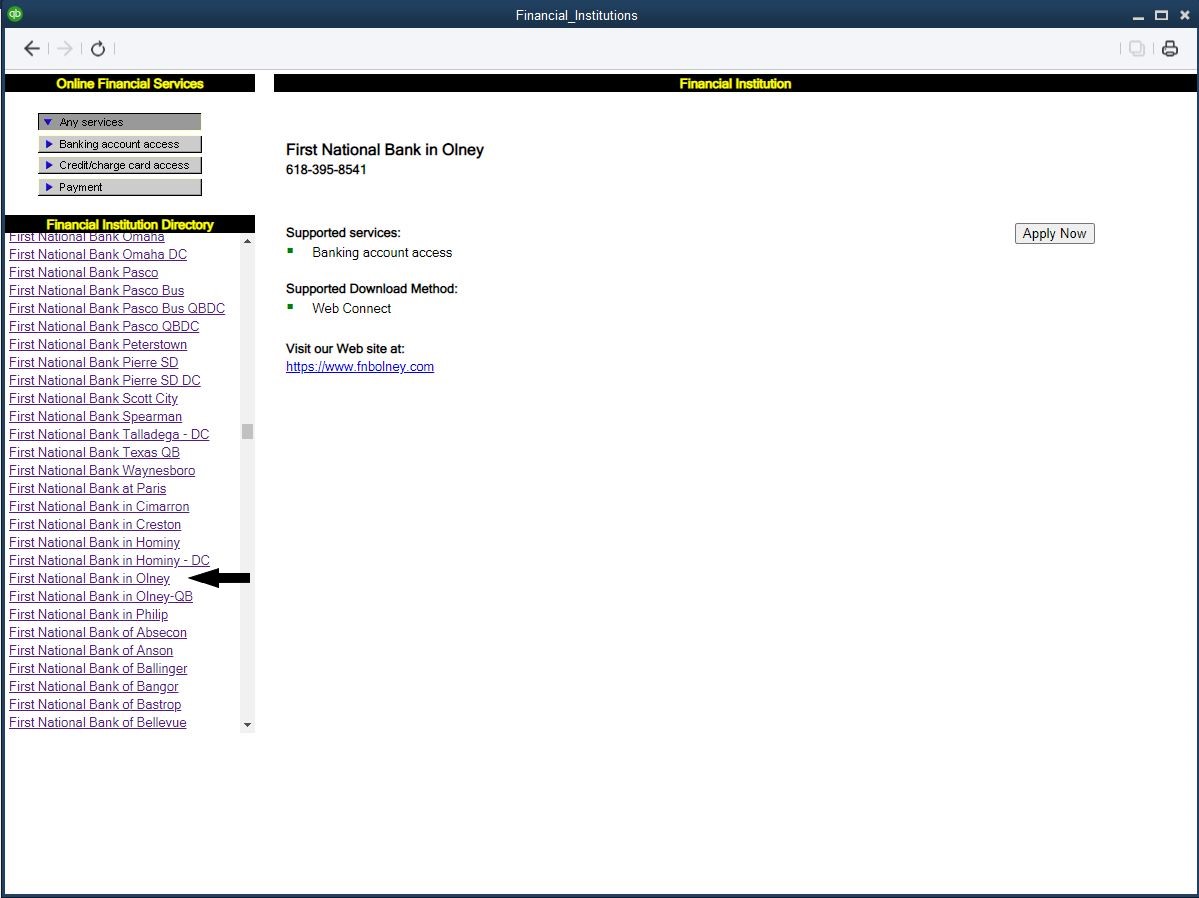
Now you will be able to open Quicken or Quickbooks, search for First National Bank in Olney, use your FNB online banking login and password**, and import your accounts.
Quicken Search
Quickbooks Search
Attention Loan Customers:
Loans will have to be handled manually. Intuit has provided information on how to achieve this. Please click the following link:
Mortgage payment not split between principle and interest — Quicken
**It is a best practice to use unique passwords for each online account, this is especially true for financial management sites like Online Banking and Quicken. To protect yourself these should be different passwords, and they should not be passwords that you use on any other service or social media.